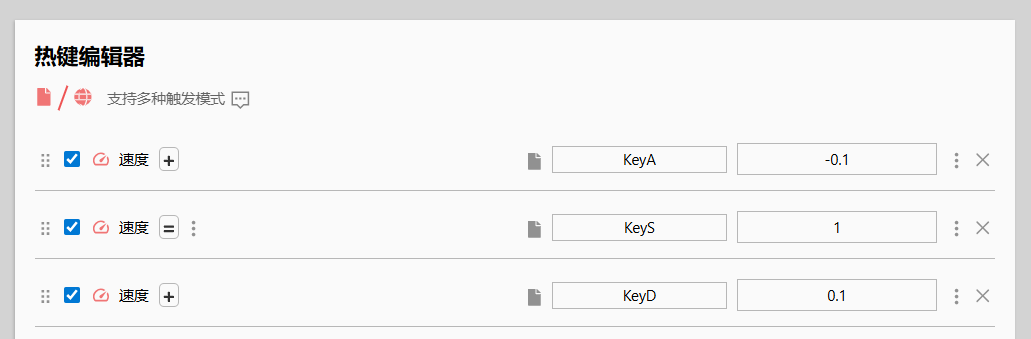
Video 元素无法接收到特定按键的 Keydown\Keyup 等事件。经排查,原因为浏览器安装了Global Speed: 视频速度控制 插件。
该插件默认启用快捷键,作用于 HTMLMediaElement。
插件导致云原神 无法操作游戏对象,其未解决该问题。
其开源仓库有不少相关 issue,但作者的白名单方案不适用于 On-Prem;给作者提出的新建议-插件可选标识 未被采纳。😦
检测是否安装了该插件。经查,其未在目标页面插入标识或特定元素。clone 源码,定位到src\contentScript\main\index.ts,留意到以下代码,位于构造函数中。该代码覆写了playbackRate等属性。
1
2
3
4
5
6
7
8
9
10
11
12
13
14
15
16
17
18
19
20
21
22
23
24
25
26
27
28
29
30
for (let key of ["playbackRate" , "defaultPlaybackRate" ] as ("playbackRate" | "defaultPlaybackRate" )[]) { const ogDesc = this .ogDesc [key] let coherence = this .coherence [key] let we = this try { Object .defineProperty (HTMLMediaElement .prototype configurable : true , enumerable : true , get : function ( we.ogDesc [key].get .call (this ) return we.active ? (native.map .has .call (coherence, this ) ? native.map .get .call (coherence, this ) : 1 ) : ogDesc.get .call (this ) }, set : function (newValue ) { if (we.active && !(this instanceof native.HTMLMediaElement )) { we.ogDesc [key].set .call (this , newValue) } try { let output = ogDesc.set .call (we.active ? we.dummyAudio : this , newValue) let rate = ogDesc.get .call (we.active ? we.dummyAudio : this ) native.map .set .call (coherence, this , rate) return output } catch (err) { throw err } } }) } catch (err) { } }
直接检测是否被覆写。
1 Object .getOwnPropertyDescriptor (HTMLMediaElement .prototype "playbackRate" ).get .toString () === 'function get playbackRate() { [native code] }'
禁用插件时:
保持默认设置,启用插件时:
该方法无法判断插件是否为不活跃状态。
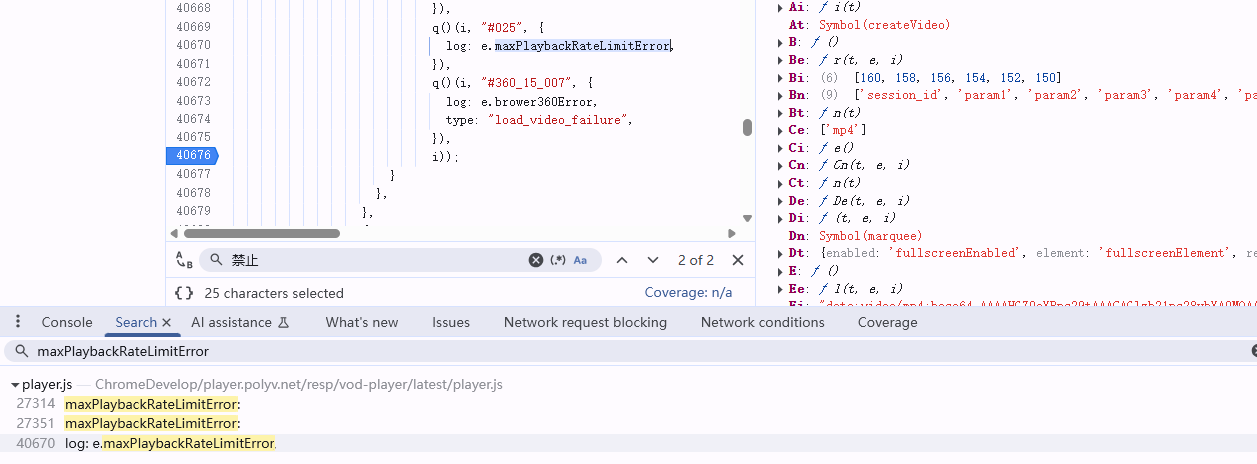
注意到https://www.polyv.net/播放器实现了类似功能。运行示例,设置为禁止倍速,在控制台搜索报错文字,快速定位到相关代码。
继续查找maxPlaybackRateLimitError没了线索,断点最后一次出现的所在函数的输出。
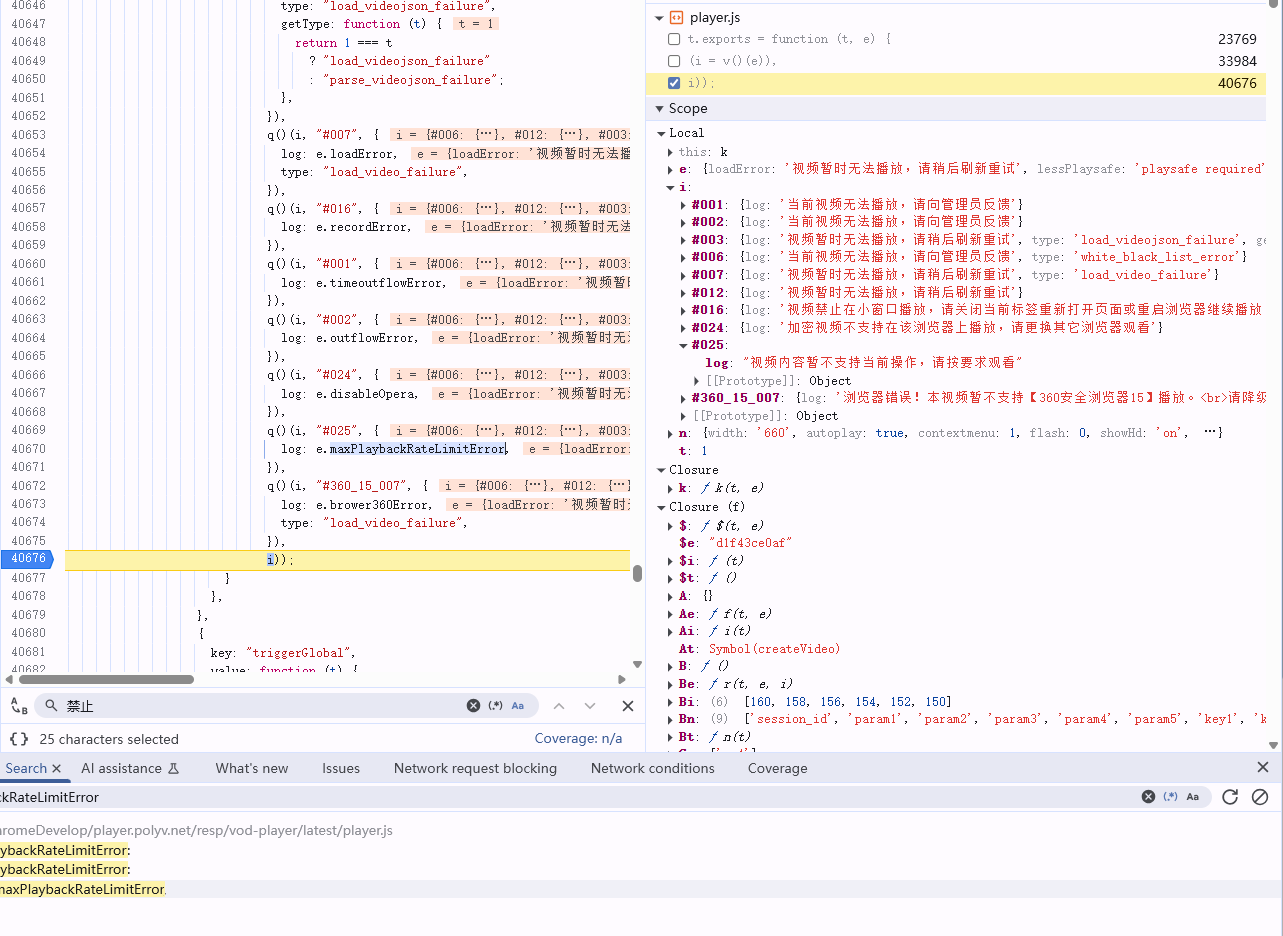
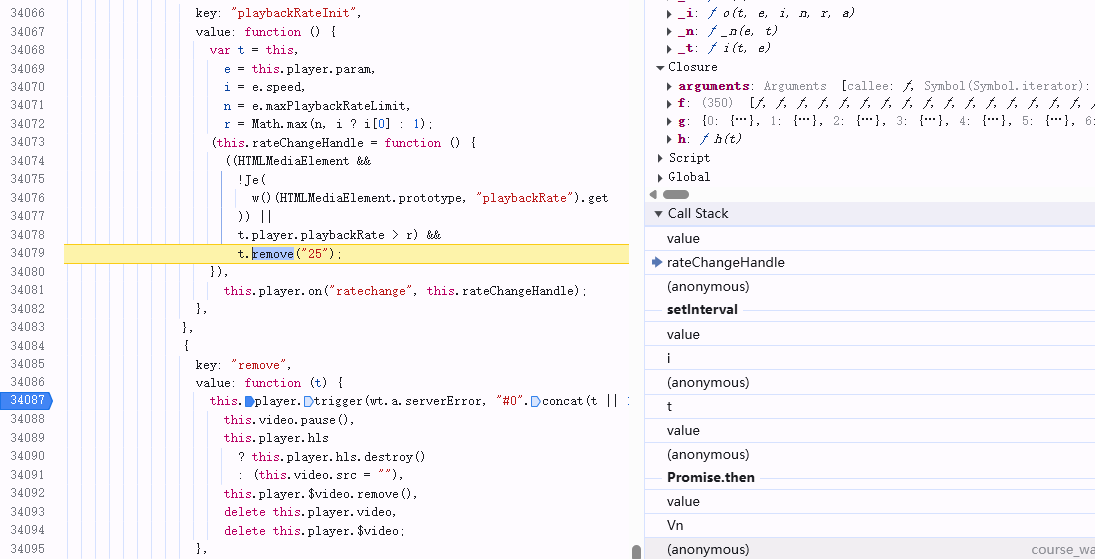
结合setLanguage判断该处为i18n相关代码。错误信息对应的key为#025,但搜索#025无结果。进一步搜索同时出现#和concat的地方,定位到如下处,初步判断为用于显示错误的函数,打断点追踪调用,定位到rateChangeHandle。
发现启用插件时,!Je(w()(HTMLMediaElement.prototype,"playbackRate").get === true。打断点看w和Je函数。抽丝剥茧后,w是打包后的Object.getOwnPropertyDescriptor;
1
2
3
4
5
6
7
function (t, e, i ) { i (236 ); var n = i (12 ).Object ; t.exports = function (t, e ) { return n.getOwnPropertyDescriptor (t, e); }; },
Je如下:
1
2
3
4
5
6
7
8
var Je = function (t ) { return ( (e = t), (i = v ()(e)), null !== e && ("object" === i || "function" === i) && Xe .test (t) ); var e, i; },
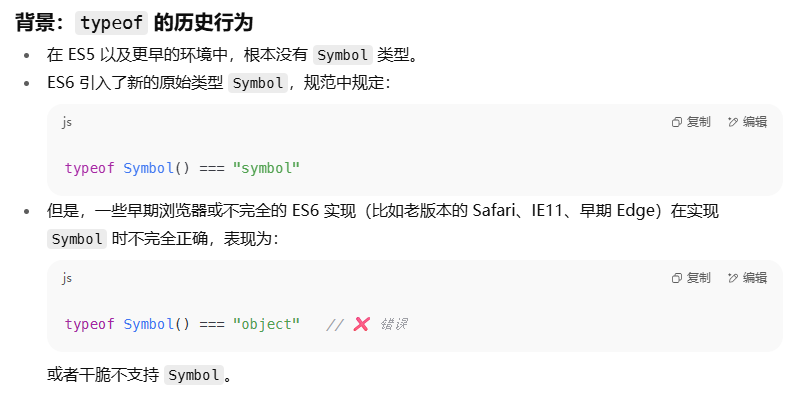
能猜到 v 函数是 polyfill 后的typeof,实际也是:
1
2
3
4
5
6
7
8
9
10
11
12
13
14
15
16
17
18
function a (t ) { return ( (e.exports = a = "function" == typeof r && "symbol" == typeof n ? function (t ) { return typeof t; } : function (t ) { return t && "function" == typeof r && t.constructor === r && t !== r.prototype ? "symbol" : typeof t; }), a (t) ); }
AI 解释为什么需要特殊处理symbol:
Je函数中涉及的Xe正则如下。通过Function.prototype.toString.call(Object.prototype.hasOwnProperty)避免源码字符串化的空格差异,以这个为模板创建匹配任何函数名的native code的正则。
1
2
3
4
5
6
7
8
9
10
11
12
Xe = RegExp ( "^" .concat ( Function .prototype toString .call (Object .prototype hasOwnProperty ) .replace (/[\\^$.*+?()[\]{}|]/g , "\\$&" ) .replace ( /hasOwnProperty|(function).*?(?=\\\()| for .+?(?=\\\])/g , "$1.*?" ), "$" ) );
由此可得,Je函数是一个鲁棒性强的用于检测入参是否为native code function的函数;w用于获取属性描述符对象。
有没有一种方案,既不需要用户卸载插件或者手动添加页面到白名单,又避免插件影响业务逻辑?
发现只有命中快捷键规则的按键才会被拦截。定位到src\contentScript\isolated\utils\EventsListener.ts文件,是一个工具类,用于注册事件监听器。
1
2
3
4
5
6
7
8
9
update = () => { window .addEventListener ("keydown" , this .handleKeyDown , true ) window .addEventListener ("keyup" , this .handleKeyUp , true ) } handleKeyDown = (e: KeyboardEvent ) => { this .keyDownCbs .forEach (cb => cb (e) }) }
找到实际添加的回调,发现如果命中快捷键规则则e.preventDefault();e.stopImmediatePropagation(),和实际表现一致。
1
2
3
4
5
if (matches.some (v =>kb .greedy )) { this .blockKeyUp = true e.preventDefault () e.stopImmediatePropagation () }
尝试构造特殊 DOM 结构,使之命中如下判断:
1 2 3 4 5 6 7 8 9 10 11 12 const target = e.target as HTMLElement if (["INPUT" , "TEXTAREA" ].includes (target.tagName ) || target.isContentEditable ) { return } const active = getLeaf (document , 'activeElement' )if (target !== active) { if (["INPUT" , "TEXTAREA" ].includes (active.tagName ) || (active as HTMLElement ).isContentEditable ) { return } }
让 AI 快速写个 hack:
1 2 3 4 5 6 7 8 9 10 11 12 13 14 15 16 17 18 19 20 21 22 23 24 25 26 27 28 29 30 31 32 33 34 35 36 37 const video = document .querySelector ('video' );video.tabIndex = 0 ; let root : ShadowRoot ;try { root = video.attachShadow ({ mode : 'closed' , delegatesFocus : true }); } catch (e) { throw e; } const decoy = document .createElement ('input' ); decoy.setAttribute ('aria-hidden' , 'true' ); Object .assign (decoy.style , { position : 'absolute' , width : '0' , height : '0' , opacity : '0' , pointerEvents : 'none' , border : '0' , padding : '0' , }); root.appendChild (decoy); video.addEventListener ('focus' , () => decoy.focus (), true ); video.addEventListener ('mousedown' , () => decoy.focus (), true ); decoy.focus ();
其结果是Uncaught NotSupportedError: Failed to execute 'attachShadow' on 'Element': This element does not support attachShadow,构造失败,该方法不可行。
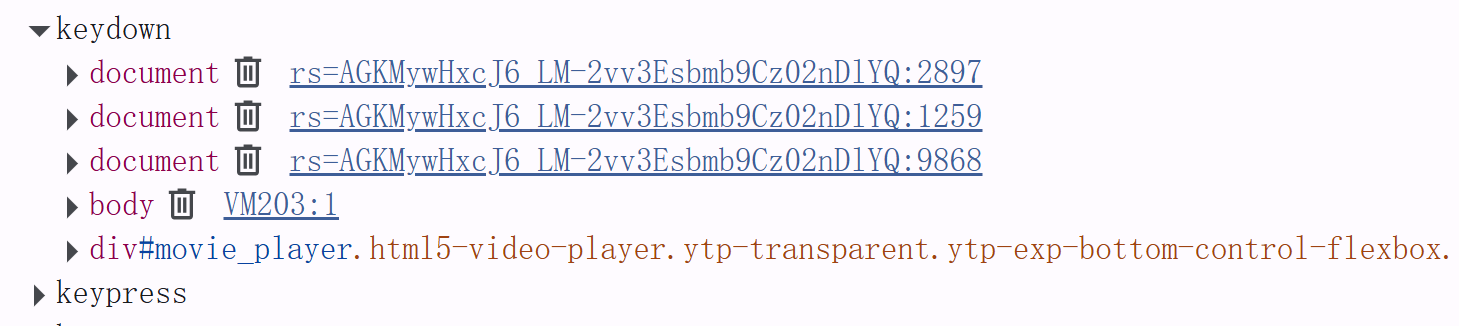
换种思路,避免插件注册事件监听器?在Debug界面,发现无法找到插件注册的回调函数。
让 AI 写addEventListener等函数的 patch。
1
2
3
4
5
6
7
8
9
10
11
12
13
14
15
16
17
18
19
20
21
22
23
24
25
26
27
28
29
30
31
useEffect (() => { (function ( const _addEventListener = window .addEventListener ; const _removeEventListener = window .removeEventListener ; const _listeners : Record <string, Function []> = {}; window .addEventListener = function (type: string, listener: any, options?: any ) { if (!_listeners[type]) { _listeners[type] = []; } _listeners[type].push (listener); return _addEventListener.call (window , type, listener, options); }; window .removeEventListener = function (type: string, listener: any, options?: any ) { if (_listeners[type]) { _listeners[type] = _listeners[type].filter ((l ) => l !== listener); } return _removeEventListener.call (window , type, listener, options); }; (window as any).__printEventListeners = function (type?: string ) { if (type) { console .log (`Event listeners for "${type} ":` , _listeners[type] || []); } else { console .log ("All event listeners:" , _listeners); } }; })(); }, []);
发现依然无法找到插件注册的回调函数,该方法不可行。
通过正向和逆向,得到一致结论,即通过检测HTMLMediaElement的playbackRate是否被覆写可以判断是否安装了该插件或类似插件。
如果实际业务对象是 Video 标签,则无法通过构造特殊 DOM 来绕过插件判断。如果不是,则可将 Video 实际内容绘制到 Canvas 或构造一个满足条件的元素叠在 Video 元素上,但涉及到其他业务代码的改造且成本大于收益。