解决 Hexo + NexT + KaTeX 开启 Post Asset Folder 后首页图片 404 问题

博客从 Typecho 迁移到了 Hexo,以方便维护。icarus 主题缺乏维护、高度依赖 CDN、原生不支持 mermaid,故选择了新生力量 NexT。根据官方教程启用 Katex 后发现首页的图片 404 了,但是文章页面的图片是正常的。

定位问题

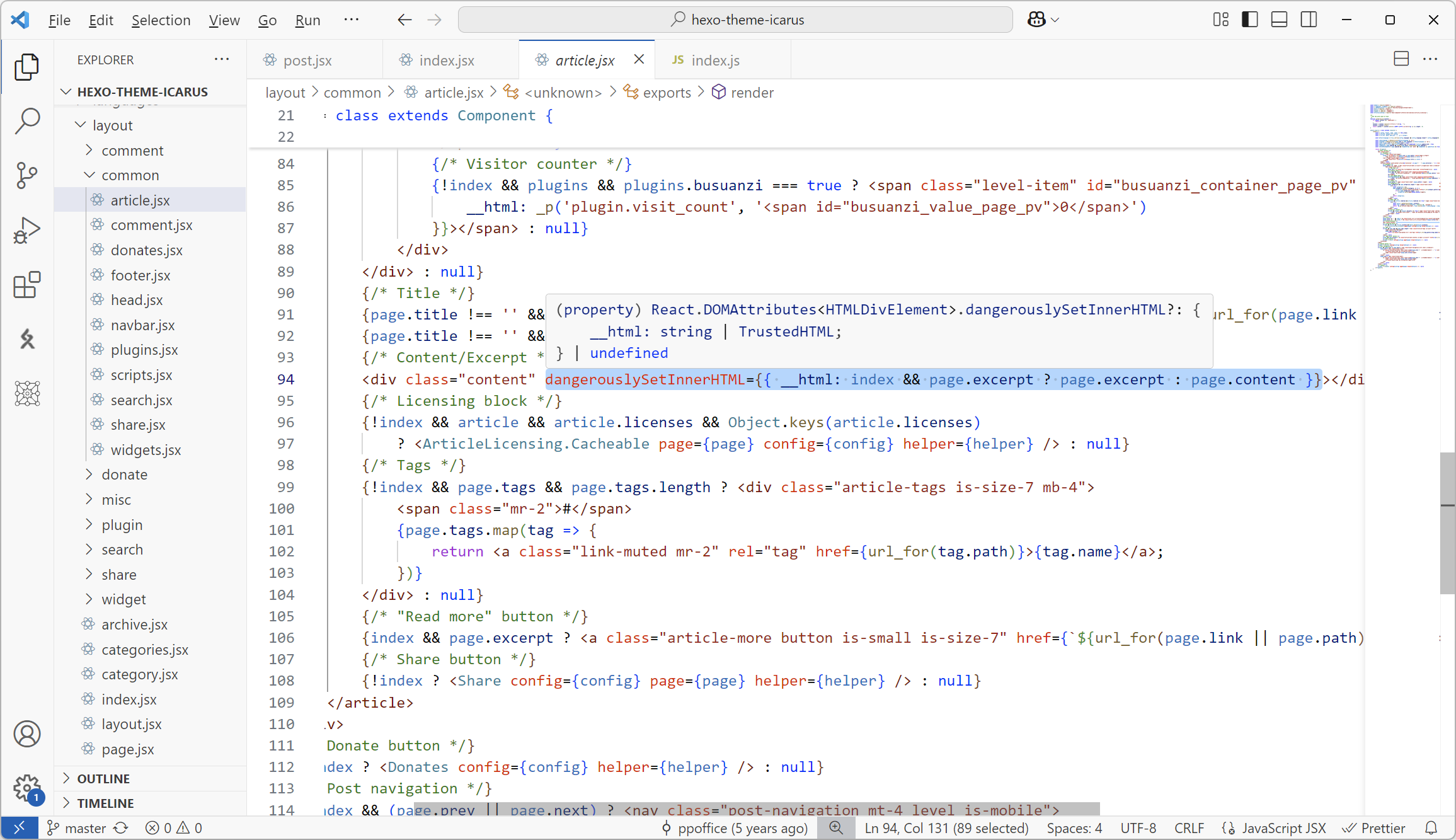
因为 icarus 主题是正常的,所以怀疑 NexT 主题有缺陷。cloenppoffice/hexo-theme-icarusnext-theme/hexo-theme-next后,定位到 index 的布局文件。

icarus

熟悉的 JSX。
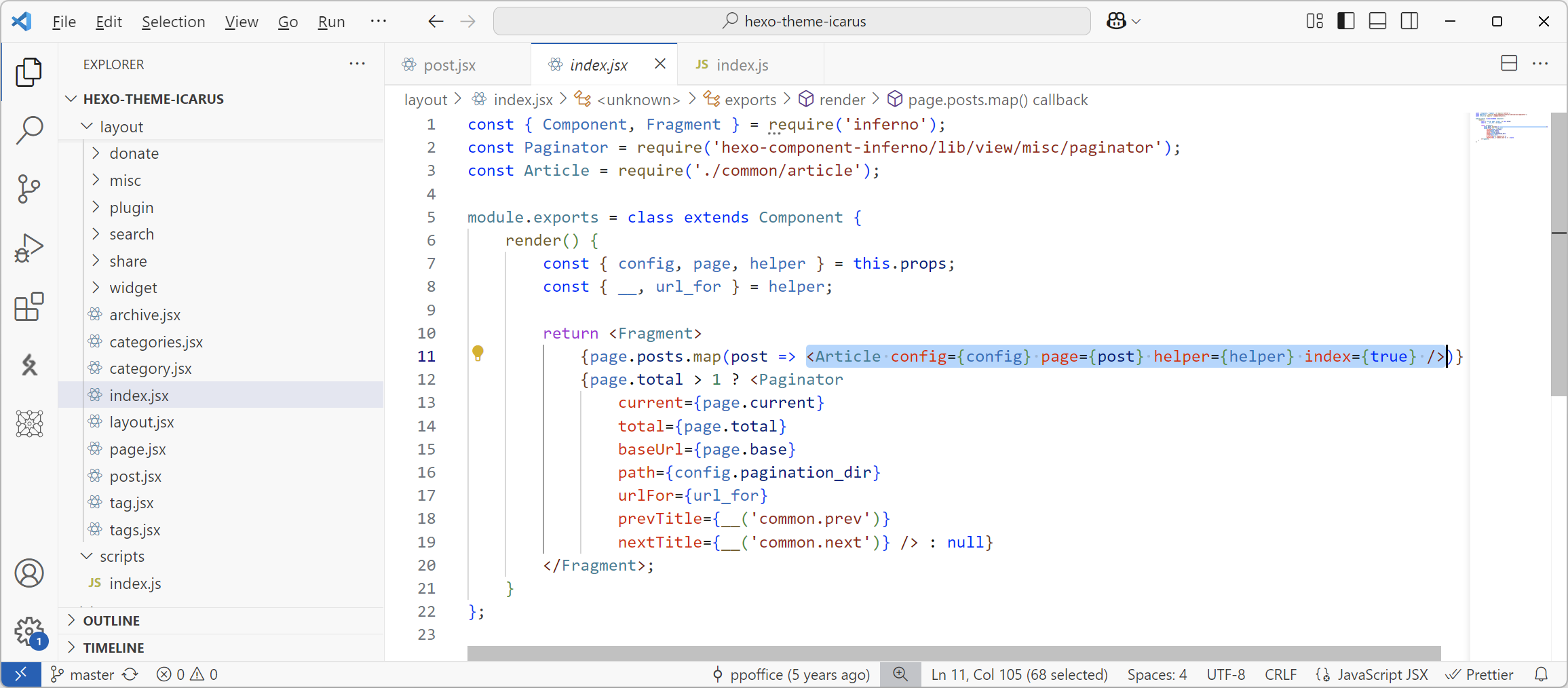
alt text
alt text

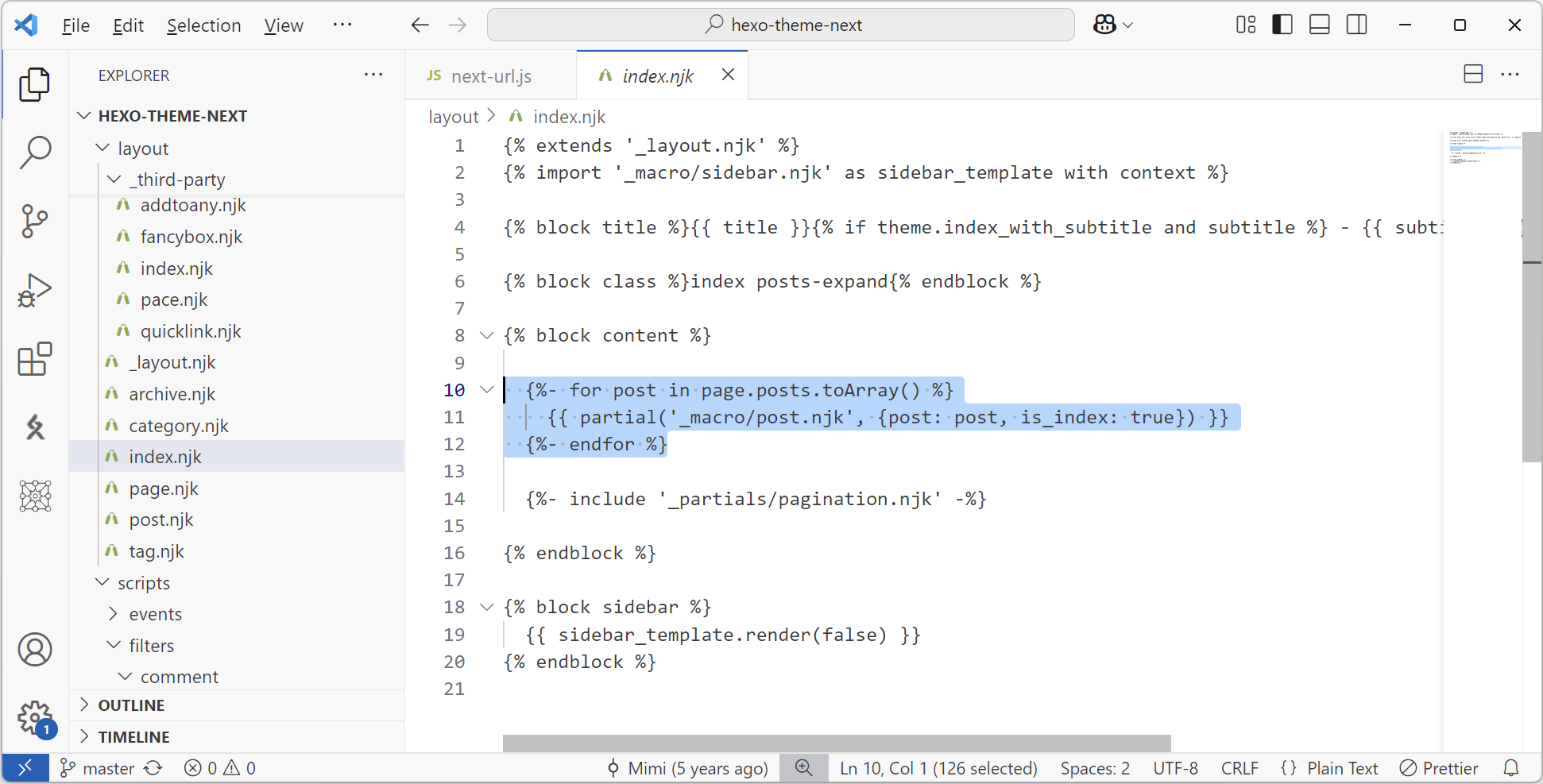
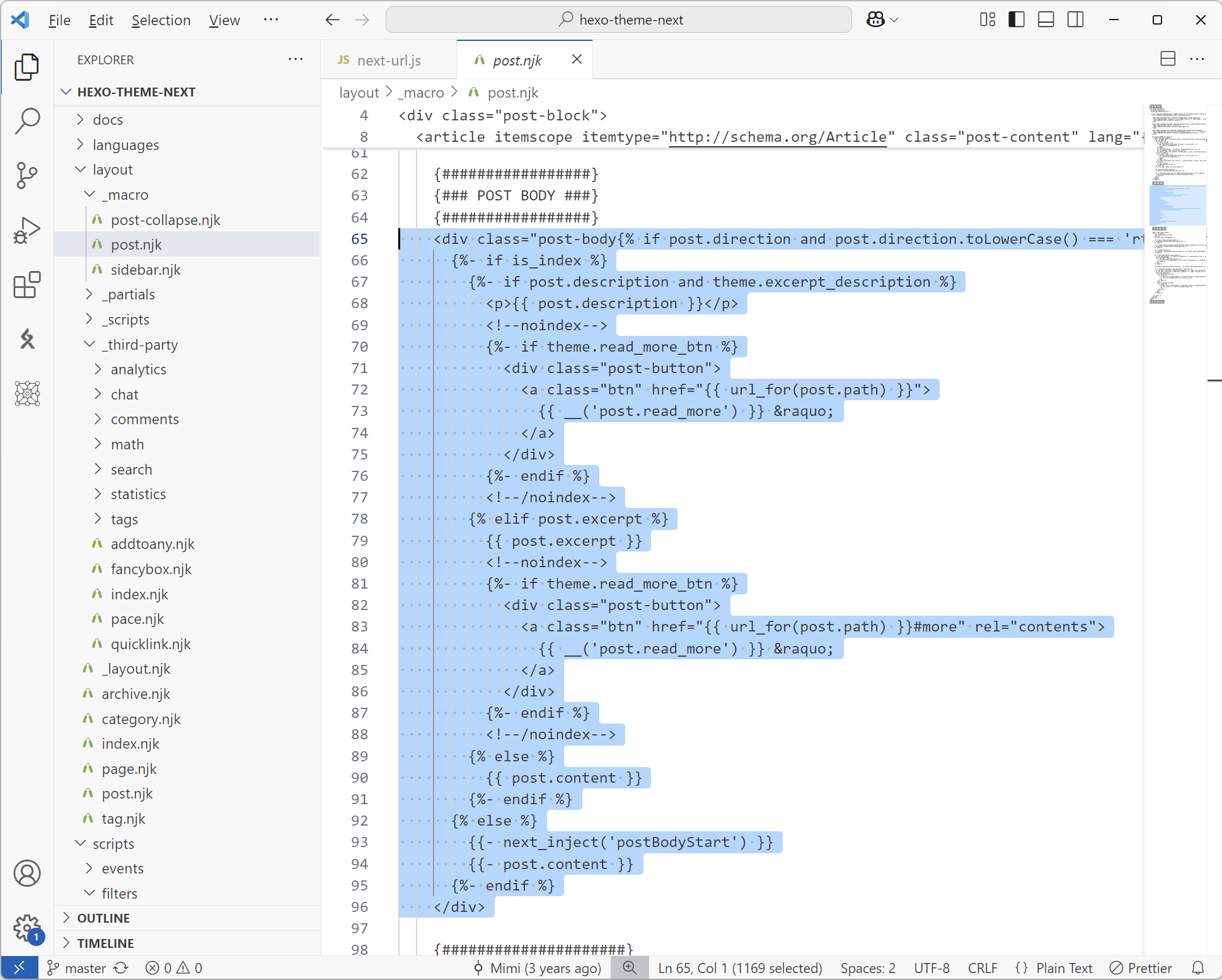
NexT

是没见过的 Nunjucks,不过易读性很好。

alt text
alt text

两者只是布局不同,渲染的内容是一样的,故问题根源不在主题。

renderer

启用 KaTex 时需要切换渲染引擎,进一步猜测问题出在这里。

1
2
npm un hexo-renderer-marked
npm i hexo-renderer-markdown-it-plus

hexo-renderer-marked 是 Hexo 的官方支持仓库,其 README 中提到hexo-renderer-markdown-it是功能相同的但更安全的版本。hexo-renderer-markdown-it-plus是第三方维护的,其声称是hexo-renderer-markdown-it的进阶版,默认包含了更多渲染引擎。克隆这两个仓库,发现事实是hexo-renderer-markdown-it-plus不支持hexo-renderer-markdown-it所支持的 Post Asset Folder。

hexo-renderer-marked

如下部分用于处理图片路径。
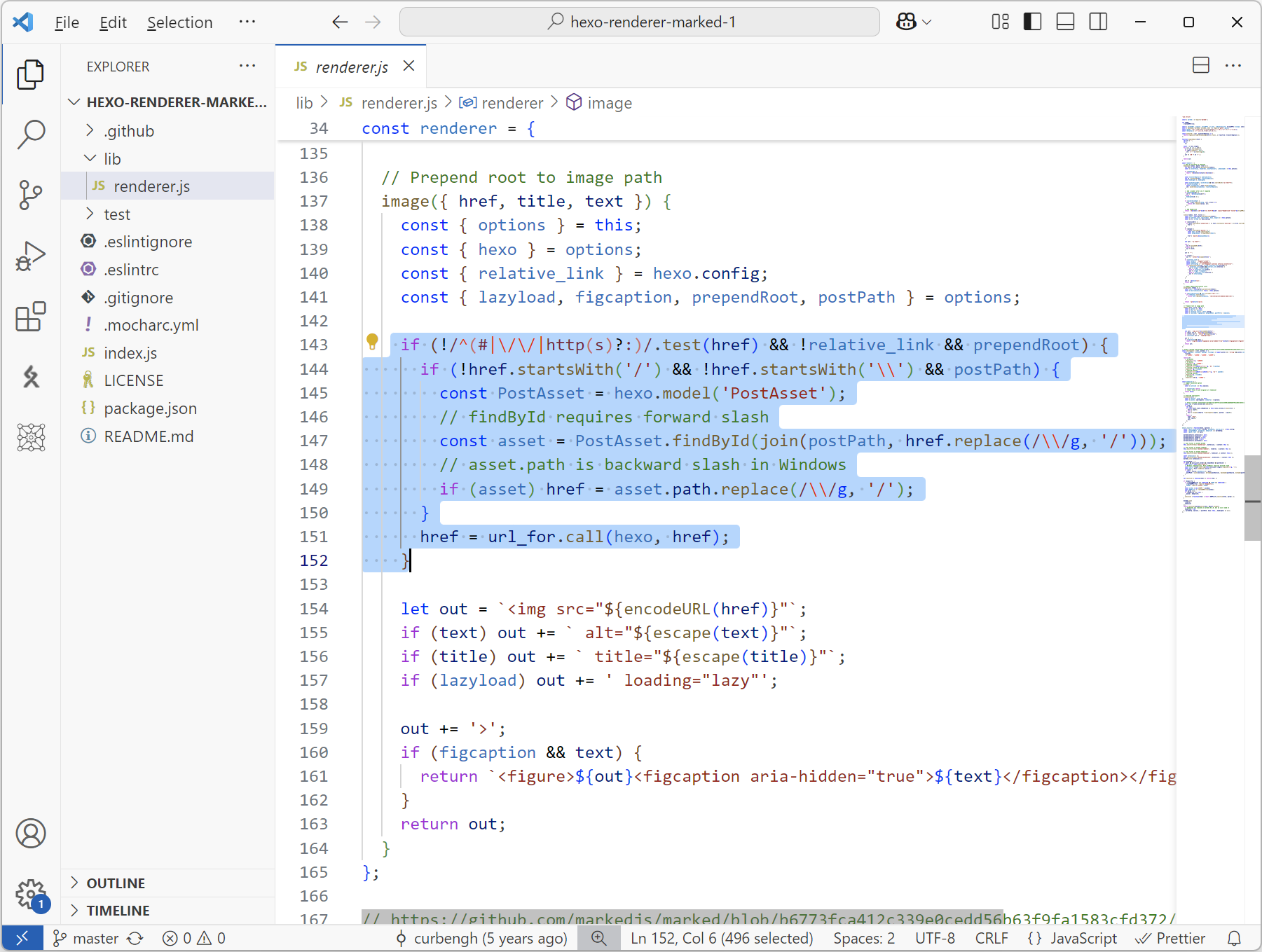
alt text

hexo-renderer-markdown-it-plus

是一个带了一些默认插件的插件管理器,但却缺失了官方版本中处理图片路径的部分。又正因为处理图片路径的部分不是一个单独发布的插件,所以也没办法通过添加参数的方式使用。
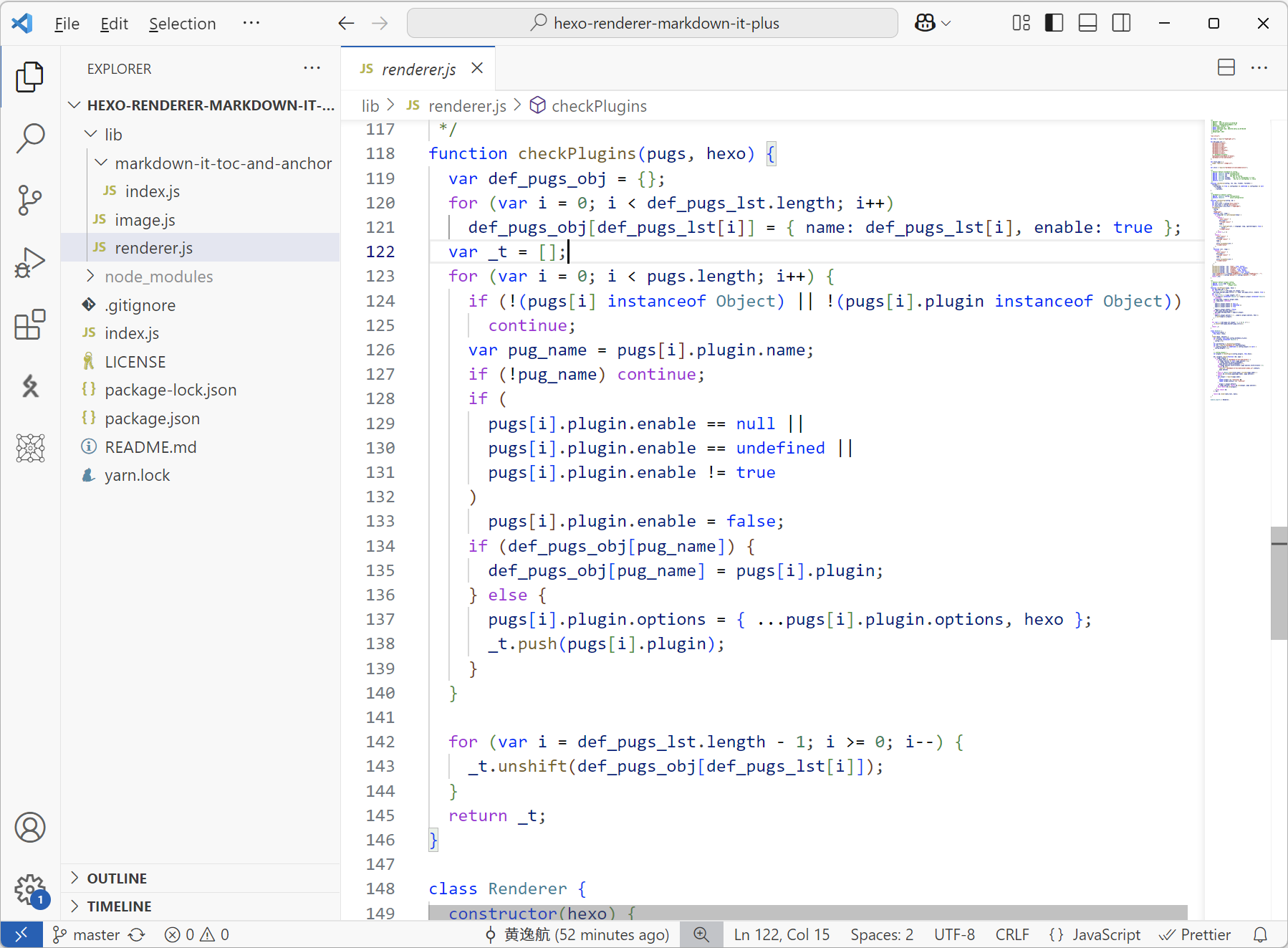
alt text

解决问题

发布一个处理图片路径的 Hexo 插件

最开始是希望避免修改hexo-renderer-markdown-it-plus,单独发布一个插件插入到hexo-renderer-markdown-it-plus用来处理图片路径。实践上不可行,因为处理图片路径时需要 hexo 构建时的元信息和辅助函数,但是hexo-renderer-markdown-it-plus在使用插件时并没有传递这些元信息,只传递了待渲染内容和插件参数。为了健全hexo-renderer-markdown-it-plus功能,clone 源码后修改以下部分使得其完整传递信息。

1
2
3
4
5
6
7
8
9
10
11
12
13
14
15
16
17
18
19
20
21
22
23
24
25
26
27
28
29
30
31
32
33
34
35
36
37
38
39
40
41
42
43
44
45
class Renderer {
constructor(hexo) {
this.hexo = hexo;
}
render(data, options) {
var config = this.hexo.config.markdown_it_plus;
if (!(config instanceof Object)) {
config = {};
}
var parseConfig = checkConfig(config);
var md = require("markdown-it")(parseConfig);
if (config.plugins == undefined || config.plugins == null) {
config.plugins = [];
}

// config.plugins =
var plugins = checkPlugins(config.plugins, this.hexo);

md = plugins.reduce(function (md, pugs) {
if (pugs.enable) {
if (pugs.name == "markdown-it-toc-and-anchor") {
if (pugs.options == null) pugs.options = {};
if (!pugs.options.anchorLinkSymbol)
pugs.options.anchorLinkSymbol = "";
if (!pugs.options.tocFirstLevel) pugs.options.tocFirstLevel = 2;
return md.use(
require("./markdown-it-toc-and-anchor/index.js").default,
pugs.options
);
} else {
let plugin = require(pugs.name);
if (
typeof plugin !== "function" &&
typeof plugin.default === "function"
)
plugin = plugin.default;
if (pugs.options) return md.use(plugin, pugs.options);
else return md.use(plugin);
}
} else return md;
}, md);

return md.render(data.text, data);
}
}

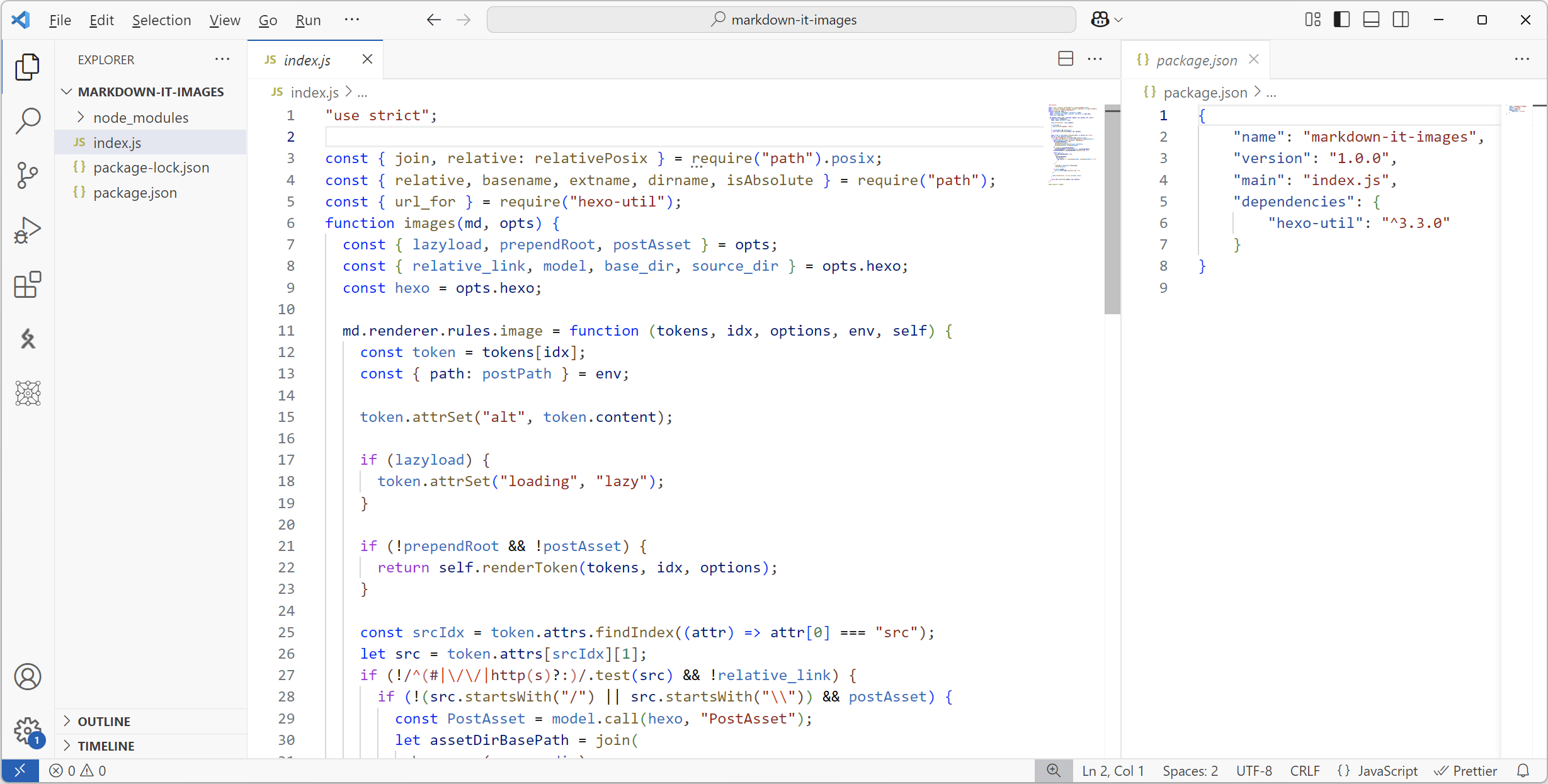
然后再单独导出一个插件。
alt text

1
2
3
4
5
6
7
cd markdown-it-images
npm link
cd hexo-renderer-markdown-it-plus
npm link markdown-it-images
npm link
cd blog
npm link hexo-renderer-markdown-it-plus

验证 link,npm run clean && npm run server后首页图片恢复正常。

alt text

完善 hexo-renderer-markdown-it-plus

既然修改了 hexo-renderer-markdown-it-plus,不如直接内置图片路径处理。
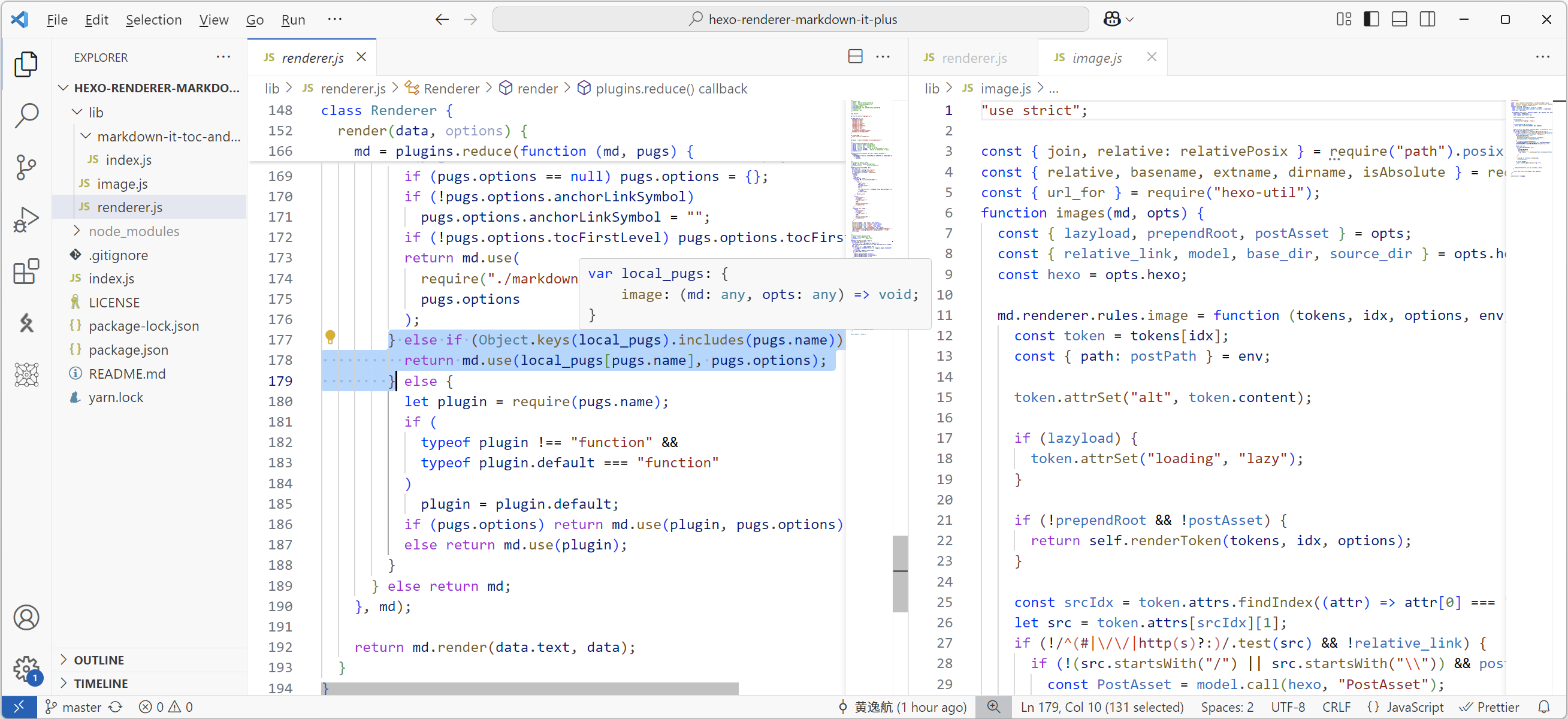
alt text

forkCHENXCHEN/hexo-renderer-markdown-it-plus后提交修改到仓库,修改依赖package.jsonnpm install

1
2
3
4
# package.json
"dependencies": {
"hexo-renderer-markdown-it-plus": "github:PekingSpades/hexo-renderer-markdown-it-plus#75821d2",
}

额外插入 image render

无论是官方插件,还是第三方插件,都是通过以下方式注册渲染函数。

1
2
3
4
5
6
7
hexo.extend.renderer.register("md", "html", render, true);
hexo.extend.renderer.register("markdown", "html", render, true);
hexo.extend.renderer.register("mkd", "html", render, true);
hexo.extend.renderer.register("mkdn", "html", render, true);
hexo.extend.renderer.register("mdwn", "html", render, true);
hexo.extend.renderer.register("mdtxt", "html", render, true);
hexo.extend.renderer.register("mdtext", "html", render, true);

那希望既不修改hexo-renderer-markdown-it-plus,也不发布一个单独的图片路径处理的插件,也就是用同样的方法注册渲染函数,其只负责处理图片路径。实践上不可行,clonehexojs/hexo后发现同一种文件只能同时存在一个渲染函数。
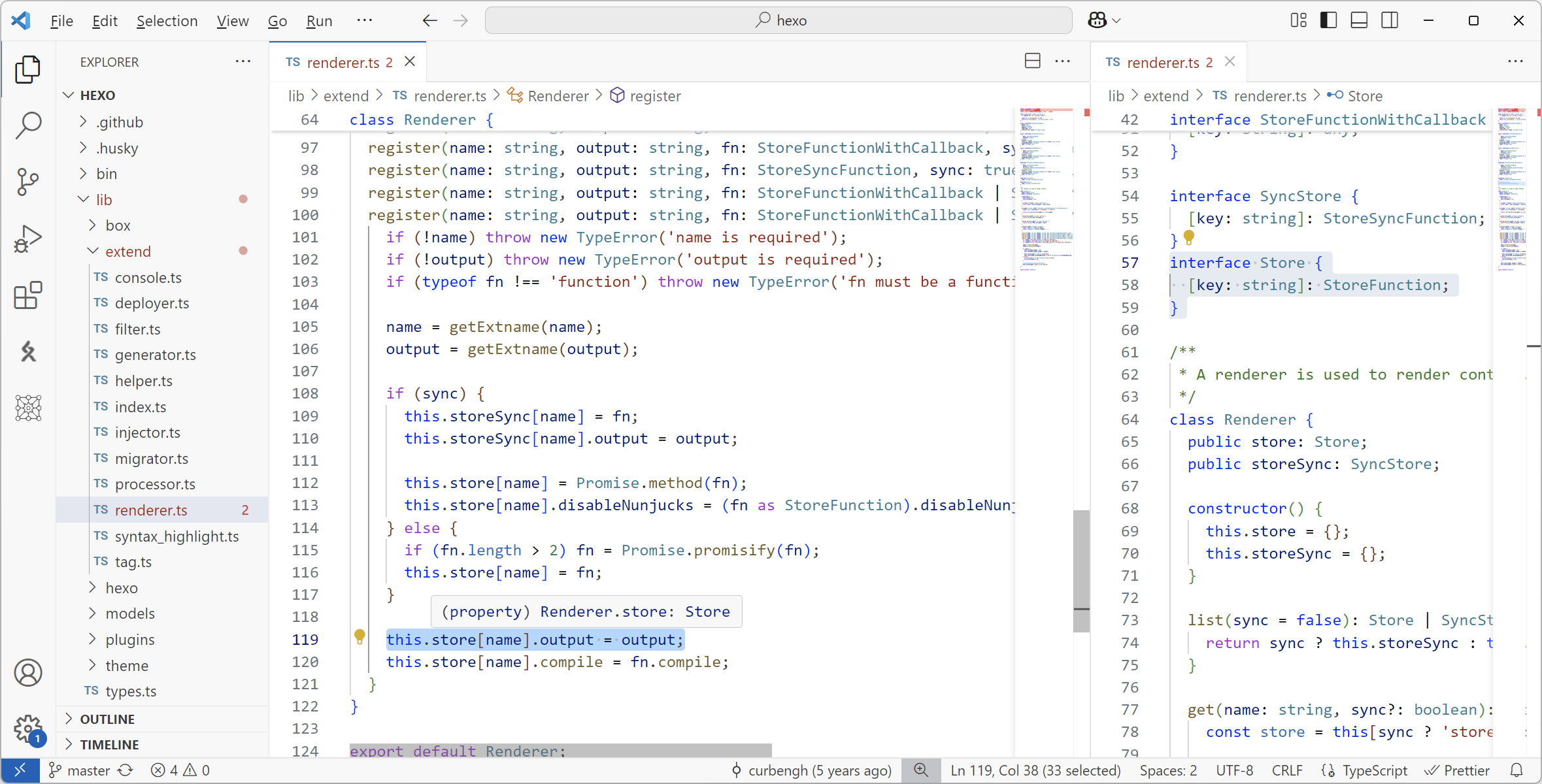
alt text

验证

更新 EdgeOne 部署,首页图片正常显示。

PR

给作者提 PR。